
AI photos of you.No photoshoot to book.
A new headshot. A fresh dating profile. A scene you’ve imagined. Start with a few clear photos of yourself and choose your look.
From $19. Pay once, no subscription.See pricing
Your reference photos stay private.
How it works
From your selfies to new photos in three steps.
Upload selfies
Add clear photos that show your face from different angles.
Choose a look
Find a look for work, dating, or something entirely your own.
Make it yours
Create your photos, then edit the details you want to change.
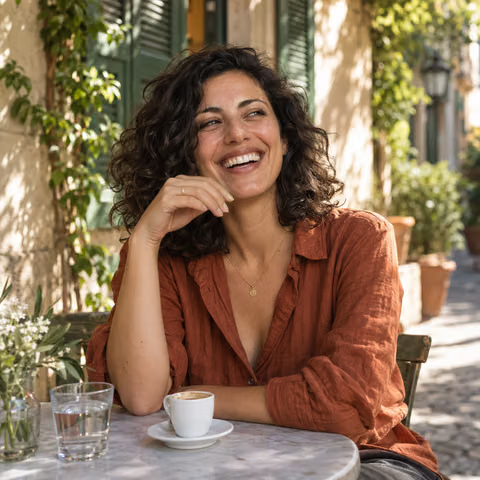
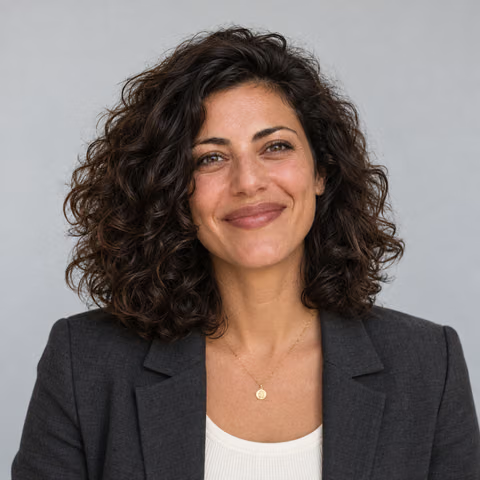
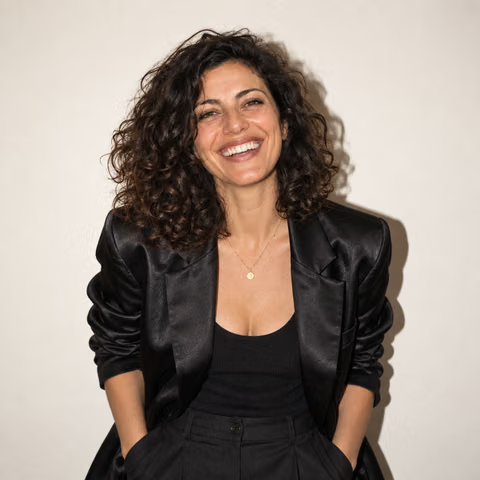
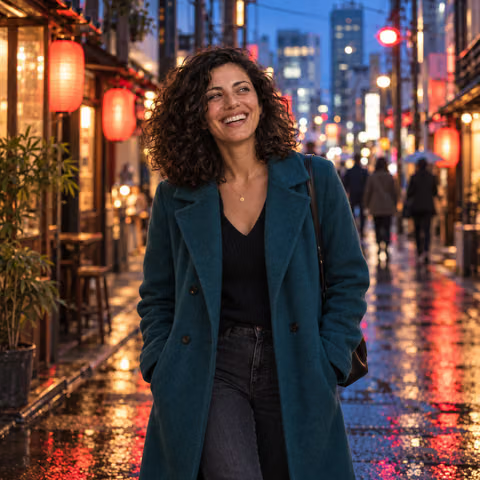
Your face. A new setting.
Start with your reference photos. Explore a different outfit, softer light, or a whole new scene.
Private by default
Your reference photos and results are private to your account. Our generation providers process your photos to create each image. Learn how we handle your photos.
You stay in control
Delete reference photos or your account. If a photo fails, its credits are returned and your successful photos stay available. Payment records are kept separately.
What will you create?
See your shoot come together
Buy credits. Create at your pace.
100 credits · up to 20 photos
300 credits · up to 60 photos
1000 credits · up to 200 photos
Every look is included. Each photo or edit uses 5 credits. Credits are returned for failed photos. Any tax is shown at checkout.
What if a photo fails or I don’t like the result?
A failed photo automatically returns its reserved credits. Completed photos use credits, even if you dislike the result; that does not automatically return credits. Each new attempt or edit uses 5 credits. Review the cost in Studio before starting.
Can I request a purchase refund?
Yes. Contact support with your order identifier and the issue. Returning credits for a failed photo is different from a cash refund. Requests are reviewed under our refund terms, the purchase conditions, and applicable law; there is no unconditional satisfaction guarantee.
Before your first shoot
Everything you need to feel ready, from choosing photos to keeping them private.
What photos should I upload?
Choose up to five clear photos of yourself in natural light, with your face visible from different angles. Use JPEG, PNG, or WebP files up to 50 MB each.
Will the photos look like me?
Your reference photos guide your likeness. Clear photos from different angles help, but results vary. Check your face and the finer details before using a photo.
Can I change the outfit or setting?
Yes. Pick a look and describe the changes you want, or create a custom scene. You can also edit a photo after generating it. Each new photo or edit uses 5 credits.
Do I need a subscription?
No. Buy credits when you need them, with no recurring charge. You’ll see how many credits a shoot costs before you start.
Are my reference photos public?
No. Your reference photos are private to your account. Remove references in Studio, or delete your account and photos from Account. Read Privacy to learn how our generation providers process photos.
Find the right photos for you
Choose a look, compare photo studios, or prepare a photo with our free tools.
Photos for your next introduction
- Create professional AI headshots from your selfies. ↗
- Create a new LinkedIn headshot from your selfies. ↗
- AI dating profile photos that start with you. ↗
- AI portraits for your website, newsletter, and bio. ↗
- AI speaker headshots for conference bios and podcast pages. ↗
- Create AI portraits for your next profile photo or post. ↗
- A dating photo that feels like someone you would meet. ↗
- An AI headshot generator with room to make it yours. ↗
- Make a Mother’s Day portrait with a personal touch. ↗
- Make room for a furry friend. ↗
Make a photo you recognize
- How to make an AI photo of me ↗
- AI photo of me free: what to check before you upload ↗
- AI profile picture generator: create a photo that feels like you. ↗
- LinkedIn headshot tips for a profile that looks like you ↗
- How to choose reference photos for AI portraits. ↗
- What to check when an AI headshot doesn’t look like you. ↗
- How to choose the best AI profile picture generator. ↗
- Can AI make a business photo of me? ↗
- How to choose an AI portraits website for photos of you ↗
- AI headshot prompts you can adapt to your work. ↗
- How much do AI headshots cost? ↗
Compare your options
Free photo tools
Resize, compress, convert, or remove a plain background in your browser. No account needed.
See all free tools ↗